
In today’s digital world, many of your most important accounts are protected by more than just a password. You may have noticed a second step when logging in, like entering a code sent to your phone or generated by an app. This is called two-factor authentication, and it is one of the most effective ways to protect your accounts.
But what happens if you lose access to that second step?
That is where backup codes come in.
Backup codes are one of the simplest, most overlooked tools in your digital security system. They are also one of the most important to understand and store properly, especially as part of your broader digital life and estate organization.
What Backup Codes Are
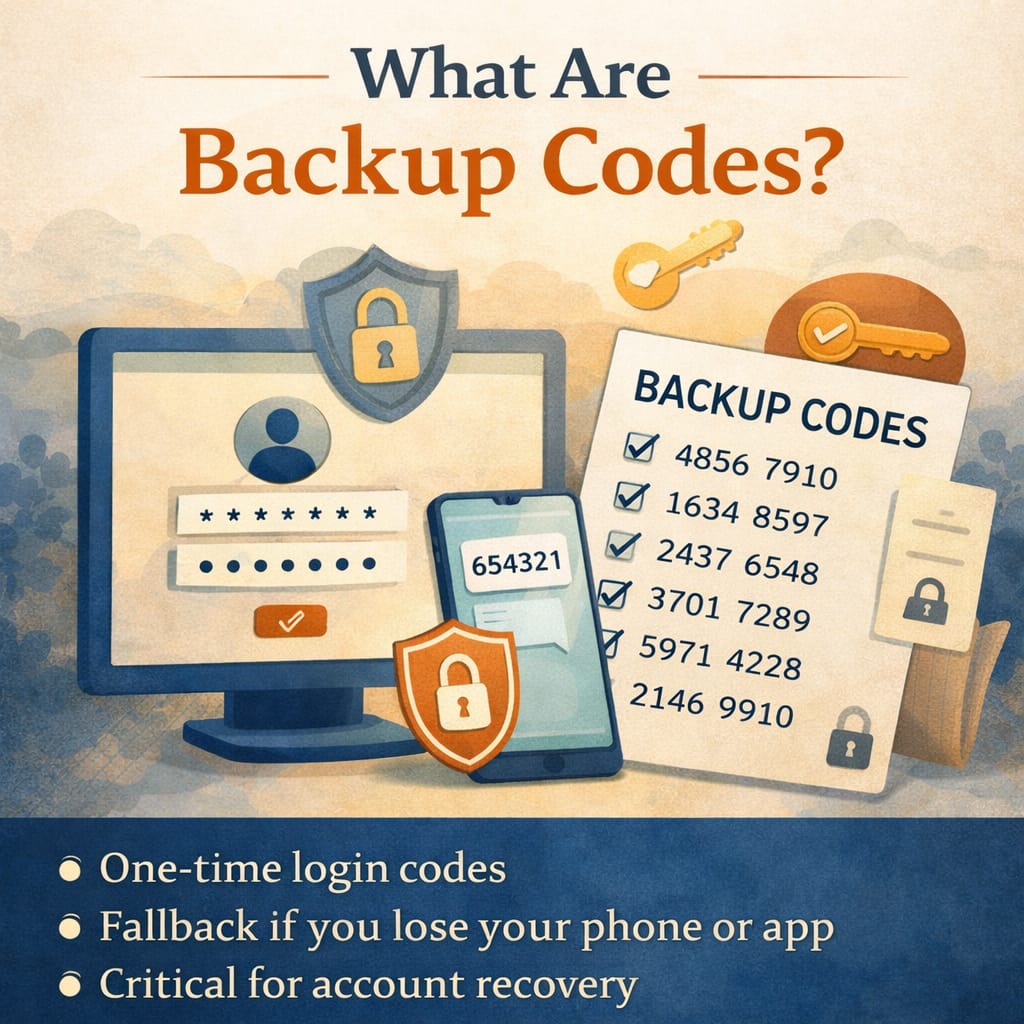
Backup codes are a set of one-time use codes provided by a website or service when you enable two-factor authentication. They are designed to give you access to your account if your primary authentication method is unavailable.
For example, if you normally receive login codes by text message or through an authentication app, backup codes act as a fallback. If your phone is lost, broken, or unavailable, you can use one of these codes to log in.
Most services provide a list of backup codes when you first set up two-factor authentication. Each code typically works once, and once used, it cannot be used again.
Common places you may have backup codes include:
-
Email accounts
-
Banking or financial platforms
-
Cloud storage services
-
Social media accounts
-
Password managers
-
Cryptocurrency wallets
-
Work or business systems
If you have ever enabled two-factor authentication, there is a good chance backup codes were generated, whether you saved them or not.
Why Backup Codes Matter
Backup codes are not just a convenience. They are often the difference between easy account access and being completely locked out.
Imagine losing your phone while traveling, or replacing it without transferring your authentication app. Without backup codes, logging into your accounts can become difficult, time consuming, or in some cases impossible.
In more serious situations, backup codes can protect against long-term access issues:
-
If a device is lost or stolen
-
If a phone number is changed or disconnected
-
If an authentication app is accidentally deleted
-
If a loved one needs to access accounts after a death or incapacity
From an estate planning perspective, backup codes play a critical role in digital access. Even if someone has your usernames and passwords, they may still be blocked by two-factor authentication. Backup codes can bridge that gap when handled properly.
Where to Find Backup Codes
If you are unsure whether you have backup codes, you can usually find them in your account’s security settings.
Look for sections labeled:
-
Two-Factor Authentication
-
Security Settings
-
Login and Security
-
Multi-Factor Authentication
Most platforms allow you to:
-
View existing backup codes
-
Download or print them
-
Generate a new set (which often invalidates the old ones)
If you cannot find them, you can usually generate a new set. This is a good opportunity to store them properly from the start.
How to Store Backup Codes Safely
Backup codes should be treated with the same level of care as passwords. Anyone who has access to them may be able to access your account.
At the same time, storing them properly means balancing security with accessibility.
Here are the most effective options:
1. Secure Physical Storage
Printing backup codes and storing them in a secure location is often the simplest and most reliable method.
Options include:
-
A home safe
-
A locked file cabinet
-
A secure estate planning binder or system
Physical storage protects against digital loss and ensures access even if devices fail.
2. Password Manager
Many password managers allow you to store secure notes alongside login credentials. This can be a convenient way to keep backup codes organized in one place.
If you use this method:
-
Make sure your password manager itself is well protected
-
Ensure a trusted person knows how to access it if needed
3. Encrypted Digital Storage
Backup codes can also be stored in encrypted files or secure cloud storage. If you choose this option:
-
Use strong passwords and encryption
-
Avoid storing them in plain text documents or unsecured notes
4. Estate Organization System
Backup codes should be part of your broader digital life organization. That means documenting:
-
Where they are stored
-
Which accounts they relate to
-
How they can be accessed if needed
This is especially important for executors, spouses, or trusted contacts who may need to step in during an emergency.
What Not to Do
Because backup codes are easy to overlook, they are often handled poorly.
Avoid:
-
Leaving them in your email inbox
-
Saving them in unprotected notes apps
-
Taking a screenshot and forgetting about it
-
Storing them only on the device they are meant to back up
These approaches create risk or defeat the purpose of having a backup in the first place.
How Often to Update Backup Codes
Backup codes do not need constant updates, but they should be reviewed periodically.
You may want to refresh or regenerate them:
-
After using one or more codes
-
After changing passwords or security settings
-
After a potential security concern
-
As part of an annual digital check-in
When new codes are generated, old ones are typically invalidated. Be sure to replace any stored versions.
Backup Codes and Your Digital Legacy
One of the most important, and often overlooked, roles of backup codes is in digital legacy planning.
After a death or in cases of incapacity, families are often able to locate usernames and passwords but still cannot access accounts due to two-factor authentication barriers.
Without backup codes or a clear access plan, this can create significant delays and frustration. In some cases, access may never be recovered.
Including backup codes in your digital organization helps ensure:
-
Accounts can be accessed when needed
-
Important records are not lost
-
Loved ones are not locked out during an already difficult time
This does not mean sharing codes casually. It means storing them in a secure, intentional system with clear instructions for access when appropriate.
A Simple Way to Think About It
Passwords get you in the front door.
Two-factor authentication adds a second lock.
Backup codes are the spare key.
You hope you never need them, but when you do, nothing else will work.
Final Thoughts
Backup codes are one of those small details that can make a very big difference. They are easy to generate, easy to store, and easy to forget.
Taking a few minutes to locate, save, and organize your backup codes can prevent hours of frustration later. More importantly, it can help ensure that the people who may need access in the future are not left navigating unnecessary barriers.
As part of your digital life, backup codes are not just a technical feature. They are a practical tool for access, continuity, and peace of mind.
If you have feedback, questions, or ideas for future articles or Information Hubs, please contact us. Your insights help us create valuable content.